




SmartGuide Continuous Glucose Monitoring Device 1s
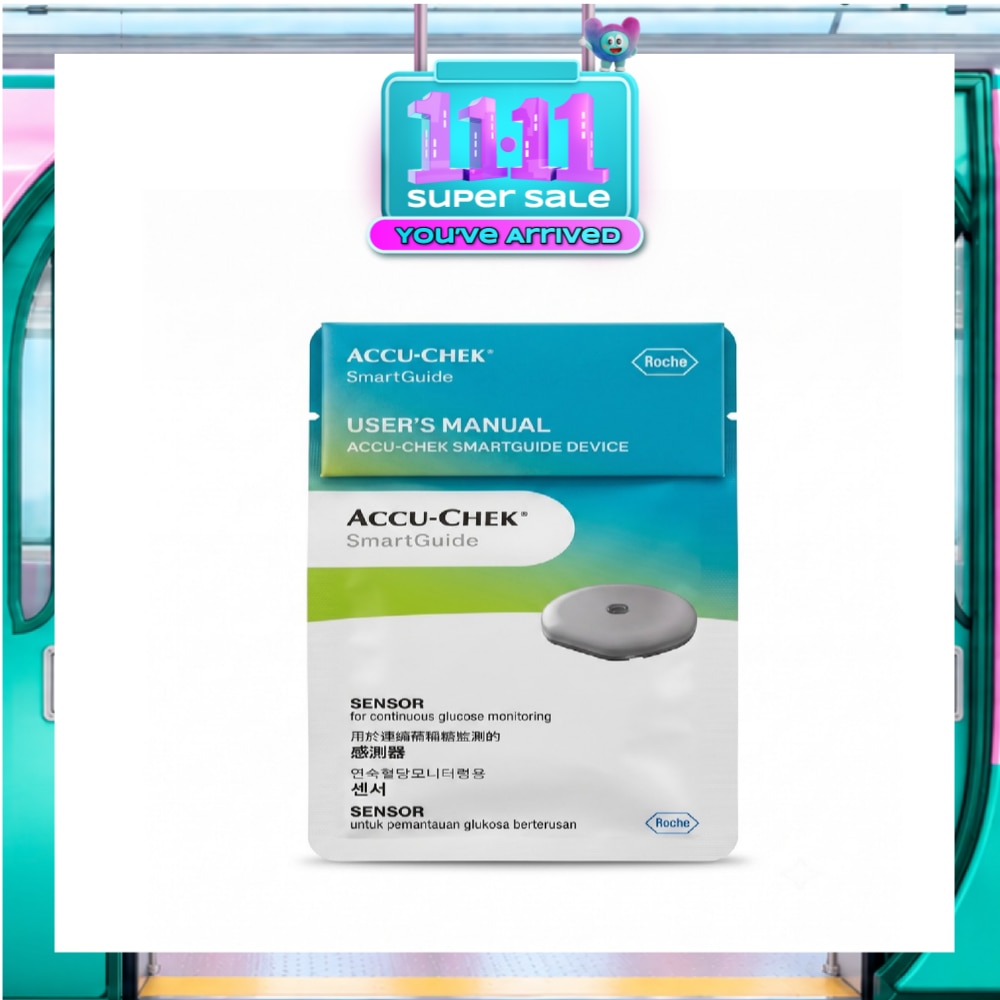
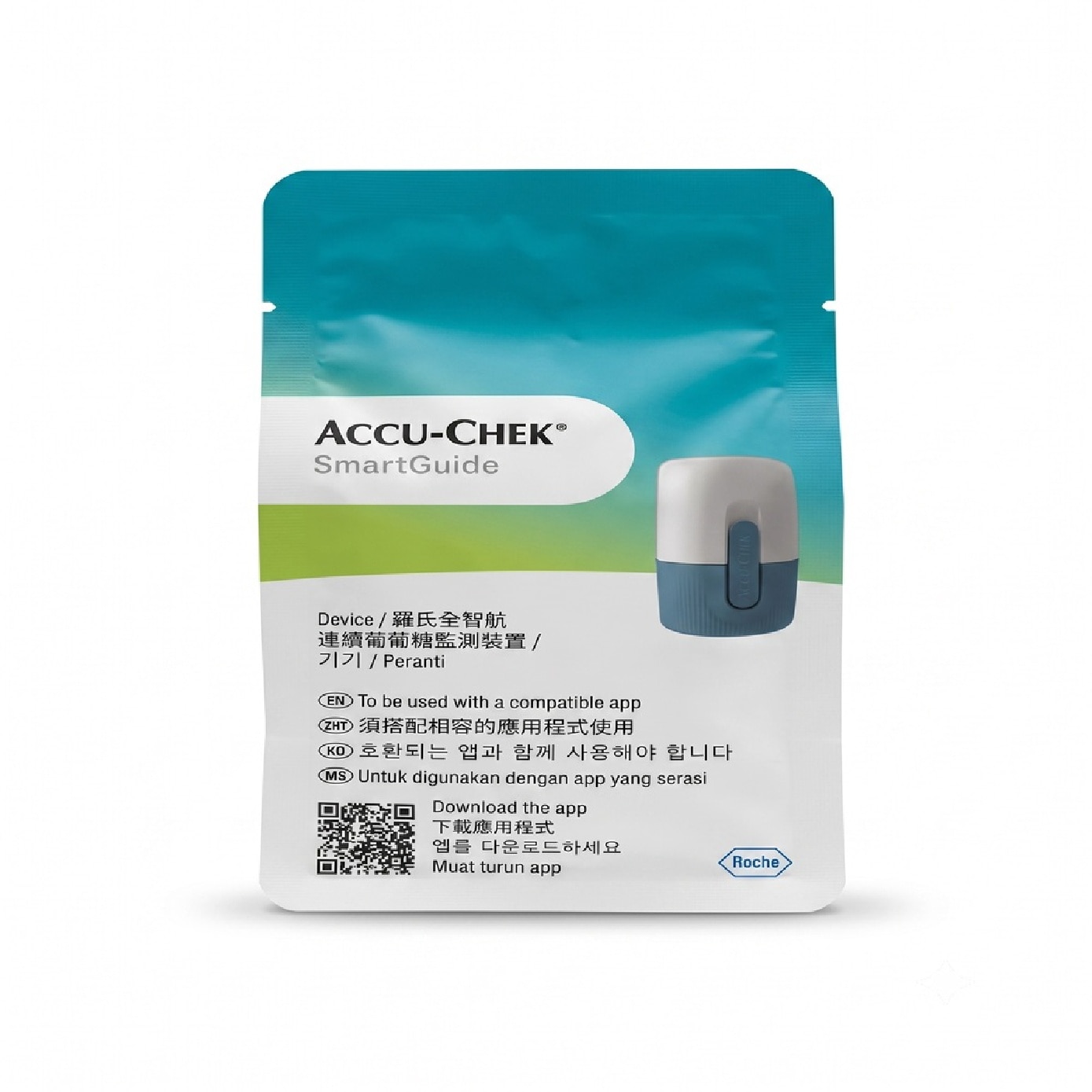


* Pair you Accu-Chek SmartGuide CGM with mySugr
* Features 3 predictive features:
> 30-minutes low-glucose predict: Alerts you 30 minutes before a low glucose event happens so you can take action.
> 2hr-glucose predict: Forecast your sugar levels over the next 2 hours.
> 7-hr night low predict: Shows your risk of having low sugar (<3.9 mmol/L) for the next 7 hours between 9:00 PM and 2:00 AM so you can sleep with confidence and peace of mind.
*Where applicable, items have a minimum of six-month shelf life before expiry unless otherwise stated on product description.
Origin
GERMANY
Directions
Applying your sensor (please refer to the user manual attached to your packaging, you may also refer to the steps in your mySugr app**):
* Hold the device upright. Notice the pull tab, the white sensor applicator is at the top. The blue twist cap is at the bottom.
* Select an application site on the back of your right or left upper arm: If the application site is hairy, shave it. Wash the application site to clean the skin. Disinfect the application site with an alcohol wipe and let the skin dry completely. Avoid recently used application sites, as well as scars, stretch marks, liver spots, knots, or blood vessels. Stay at least 7.5 cm (3 inches) away from insulin injection sites.
* Slightly flip the pull tab open. If the pull tab has already been opened before use, discard the device and use a new one.
* Don’t press on the device. Turn the blue twist cap of the white sensor applicator to open the sterile barrier. You will feel a slight resistance and hear a cracking sound. Pull the blue twist cap from the white sensor applicator. Don’t touch the needle inside. Don’t put the blue twist cap back on after you have removed it.
**Note: Save the 6-digit PIN on the twist cap in a secure location to prevent another person from accessing it. The PIN is required to pair your sensor with the app. You also need the PIN when pairing to a different mobile device. If you discard the blue twist cap before the sensor has expired, make sure the 6-digit PIN is unreadable. This
reduces the chance of another person pairing your sensor with their mobile device.
* Place the hand of the disinfected arm on your opposite shoulder. This helps to tighten the skin.
* Reach under your arm and place the white sensor applicator on the application site. Don’t touch the inner part. Hold the white sensor applicator by the external housing. Make sure the entire bottom of the applicator is flat against your skin.
* Press down firmly to apply the sensor.
* Remove the white sensor applicator in the same direction without rotating or wiggling it. Swipe over the adhesive pad firmly with your finger to make sure the adhesive pad is properly attached.
* The sensor is now ready to be paired to the app on your mobile device. Follow the instructions in the mySugr app to pair and calibrate your sensor.
**Note: After applying a new sensor, pair it with the app within 30 minutes. After 30 minutes, the sensor will take longer to pair, in order to save battery life. The sensor should also be paired with the app within 30 minutes after the connection has been lost.
A sensor warm up time of 1hr is needed before values are seen in the app.
***Steps in the mySugr app does not replace the official instructions. Please refer to our user manual for more instructions.
Warnings
Intended Use: The continuous glucose monitoring device (CGM device) is intended for continuous measurement of real-time glucose values in the subcutaneous interstitial fluid.
Intended Users:
* Adults, 18 years of age and older
* People with diabetes
* Caregivers of people with diabetes
Width
5
Height
14
Depth
9